Pages

Subscribe:

Labels

Ipinapakita ang mga post na may etiketa na How To Invite. Ipakita ang lahat ng mga post

Linggo, Enero 1, 2012

HOW TO EARN MORE AND GET REFERRALS


1. IF YOU HAVE FUNDS THEN HAVE PAID ADS 


b. Have more referrals by using PAID SULIT ADS

2. keep on adding and messaging people on fb about our business

3. Keep on posting proofs in your wall or your friend's wall of our proofs you could have a  strategy of payout for  month  2011 at TNMM “JOIN NA KAYO” then post all the proof of October, November, December etc. always update your wall kasi matatakpan un on the long run .

NOTE: If you have close friends in Fb that doesn’t want to join makiusap na mkipost sa wall nya para di burahin at mkita ng mga friends nya. Or create at least five accounts in fb and post in the walls of your fb your wall is your billboard ads always update specially pag my bagon proofs.

4.Use proof photos and pm your friends like this "pwede pa like thanks po." so pg like nila ng picture mkita nila ung proof mgtanong un recruit na po .

5. You could also do that to your page palike mo page mo pero update mo ng proofs.

6. Pang tag mo po ung photos just put a description on the photo na ipangtag mo and put not just the affiliate link but your sulit ads link with proofs and videos .

7. Post in free ads and forums kelngan po mtyaga lng and be patient

9. Keep on adding friends in fb na involve sa pay to click, mlm , networking , and other dollars earning opportunities, kelngan lng po you master the system of tnmm para madepend mo po mabuti always send the link of albums or ads na tadtad ng proofs ntin para para po mcurios and invite na po un pg ngtanong.

10. Dont get easily discourage wg mgfocus sa ayaw mraming gusto or ngahahnap ng online na pgkakaitaan na kelngan lng minform or mainvite sa tnmm wag ubusin oras sa ayaw. Pag ayaw next agad 

SW4----Some Will Join, Some Will Not, So What, Someone is Waiting....Next


11.  tips on how to invite in facebook

  1. guys check nyo lhat ng friends nyo na offline ngayon sa fb post nyo ung mga proof sa wall nila di nila mabura kasi offline pa sila pero lahat ng online friends nila mkita na agad power ......just put your link ads sa sulit sa description pati ung affiliate link nyo and cell number para bago burahin nakuha na ng mgha friends nila contact nyo
  2. sa mga online naman na di nyo pa nainvite ipalike nyo po ung proof na latest pag ngtanong kung ano un invite na power
12. NEWEST THING WE ARE DOING POWER NA POWER TO.

  • Make a group at facebook add all your friends keep on adding as many friends before posting anything.
  • how to make a group  http://www.wikihow.com/Create-a-New-Facebook-Group
  • MARAMING GUMAGAWA NG GROUPS TAPOS ANG MEMBERS LESS THAN 100. GUYS KEEP ON ADDING FRIENDS OTHERWISE WALANG KWENTA MGPOST NG PROOFS BECAUSE WLA RIN GAANONG MAKAKAKITA . NUMBERS GAME MAS MARAMI KA MEMBER MAS MARAMI KA MAINVITE CRAETE 4 TO 5 FB ACCOUNTS ADD NG ADD NG FRIENDS DUN PG NBLOCK ADD MO UNG SA RILI MO SA GROUP MO THEN ADD MO LHAT NG NGATHER NA FRIENDS DUN SA 5 ACCOUNTS .
    MAKE 5 FB ACCOUNTS THEN ADD ALL THAT ACCOUNT IN ONE GROUP THEN LAHAT NG FRIENDS NUN ADD MO SA GROUP NA GINAWA MO FOLLOW THIS STEPS PARA MARAMI KYO MA ADD NA FRIENDS MBLOCK MAN KYO YOU STILL HAVE OTHER ACCOUNTS.
  • post the payout proofs not by album mas maganda one by one tadtarin nyo wall ng group nyo ng proofs. Maraming macurios ang magtanong how thats the time to explain and give the videos or power point explanation etc.
  • delete peolple who are posting other ads on your groups.
  • try to make at least three facebook account and dont add mutual friends make a group and do the same thing.
  • DOWNLOAD THE PHOTOS ON THIS ALBUM AND DONT POST THE WHOLE ALBUM ONE BY ONE NYO PO IPOST PARA KITA AGAD NG LAHAT NG MEMBER NG GROUP MO KUNG GAANO KADAMI KUMIKITA .--- click here
  • KAPAG MAY BAGONG POST NA PROOF POST IT AGAD SA  WALL NG GROUPS MO.
WATCH THIS VIDEO THIS IS WHAT MOTIVATES ME


Biyernes, Disyembre 30, 2011

Video Series


Martes, Nobyembre 29, 2011

How it works (Power Point)


Videos of How it Works? A Deeper Explanation of the Business


Part 1--How it works


Part 2-- How do we earn


Part 3 Domino effect


Part 4--binary vs matrix(AIM,UNO)


Part 5--binary vs matrix2(UNILIOAD,VMOBILE)


2x2 hybrid matrix.avi


POWER OF RE-ENTRY.avi


For more Deeper Explanation


ADDITIONAL VIDEOS COURTESY OF OUR TEAM MATES:

COURTESY OF JOEL GABO


COURTESY OF JHERWIN SALUBRE (http://sulit.com.ph/4535253)

PART 1


PART 2

PART 3


Lunes, Nobyembre 28, 2011

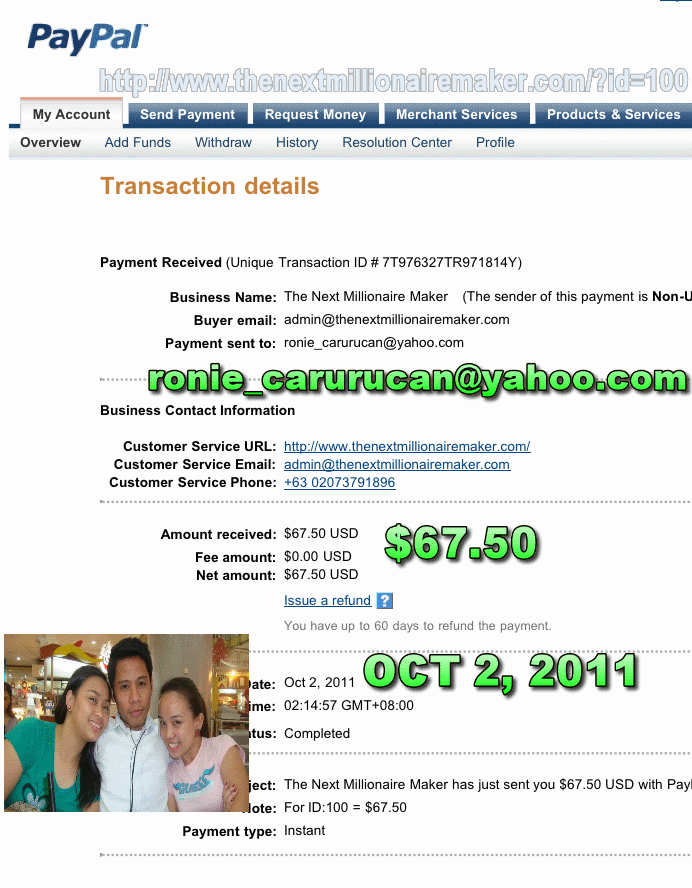
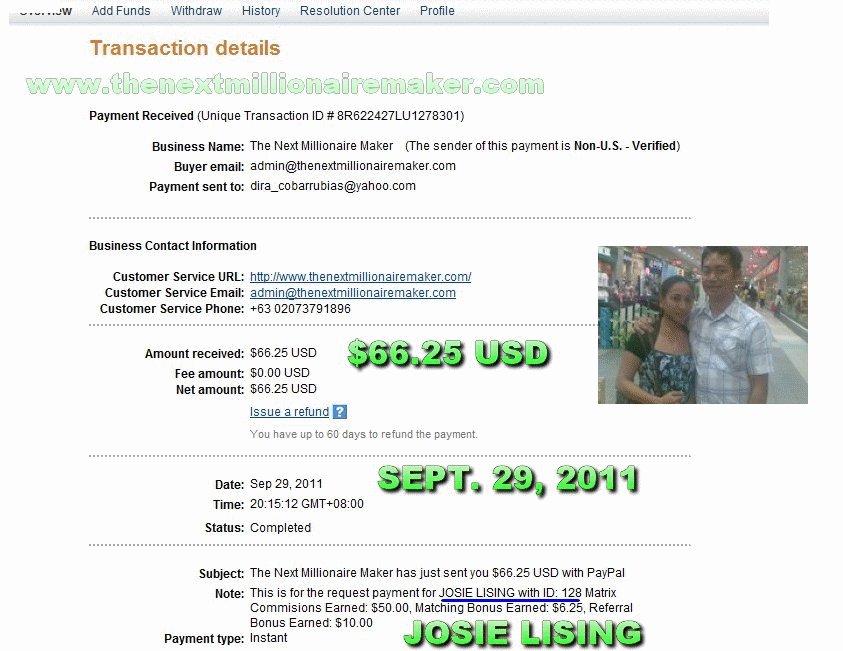
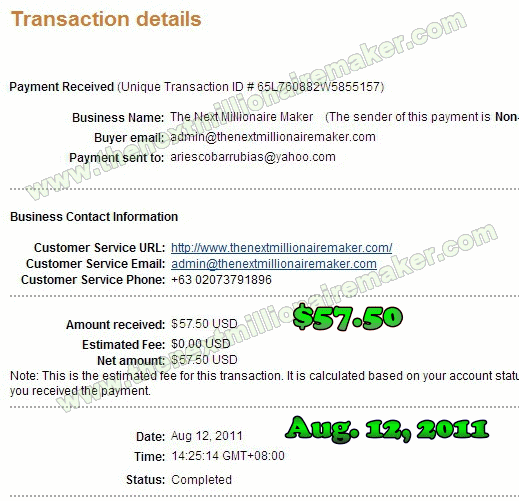
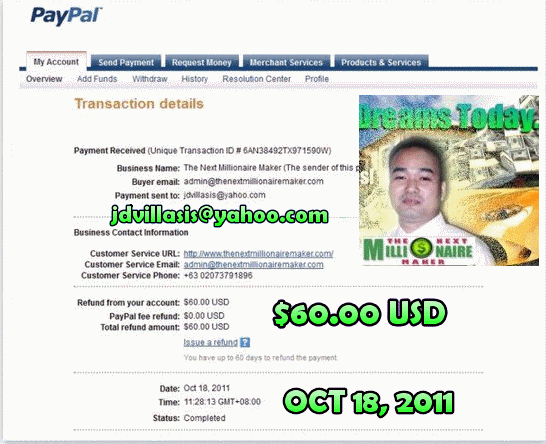
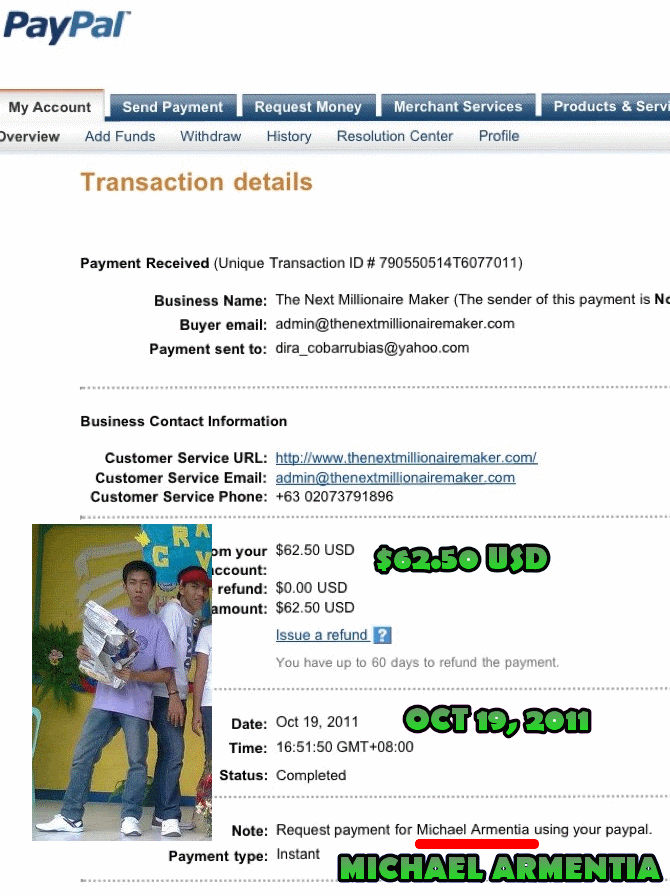
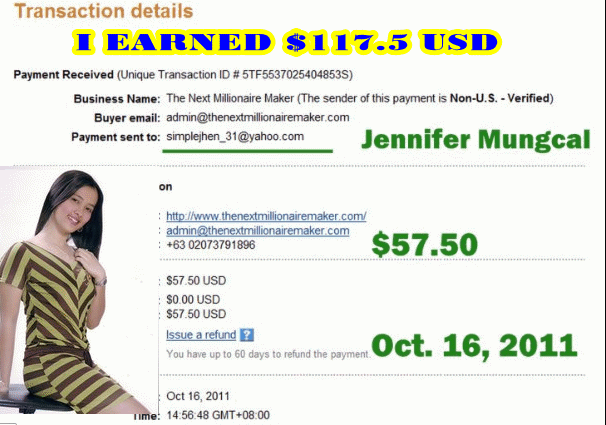
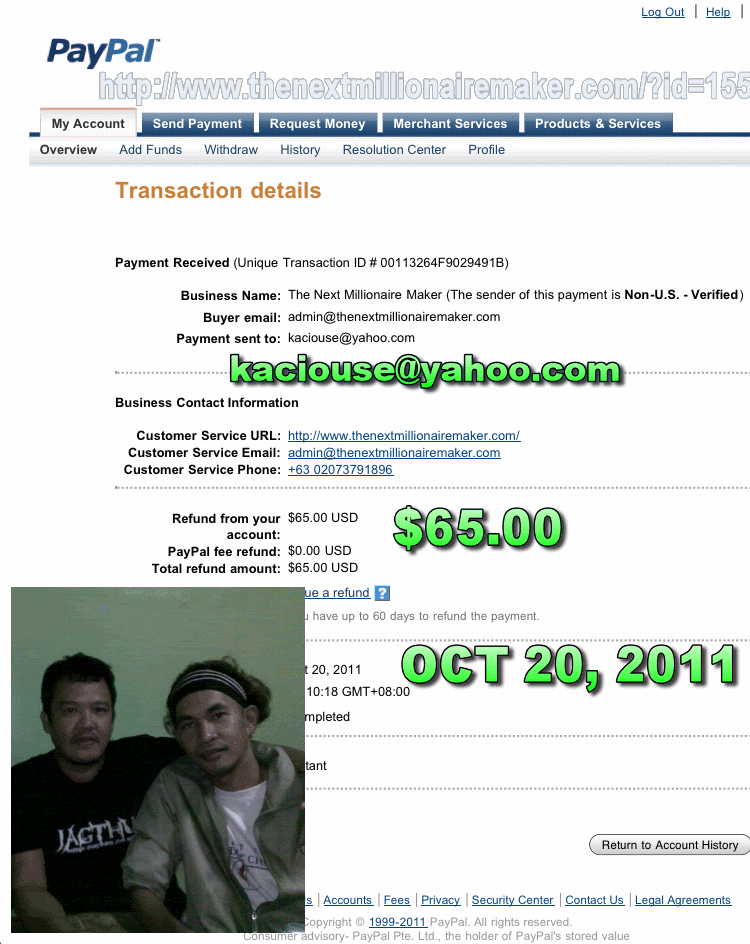
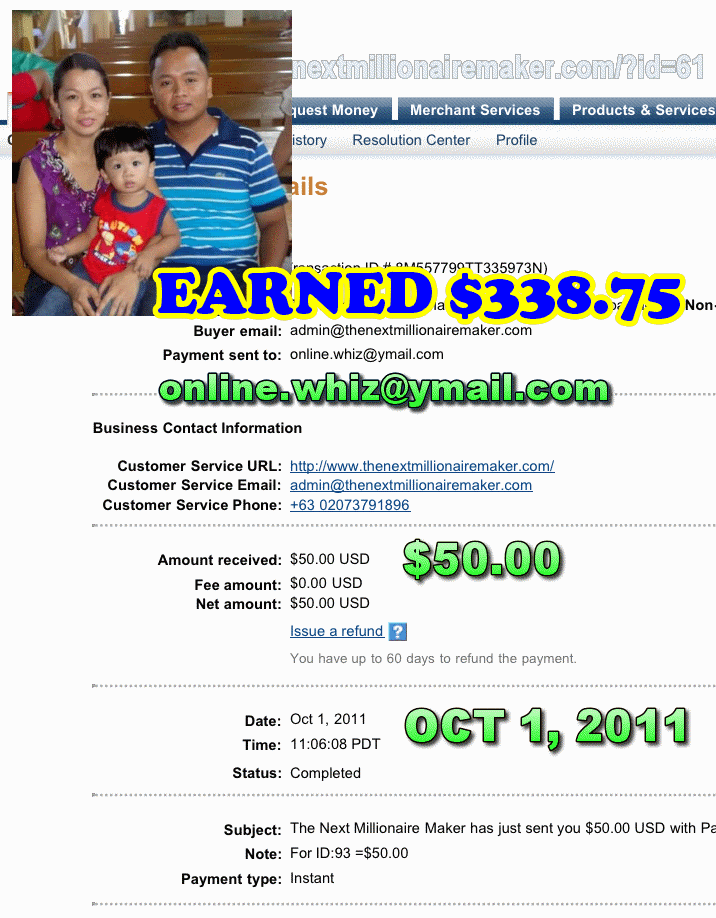
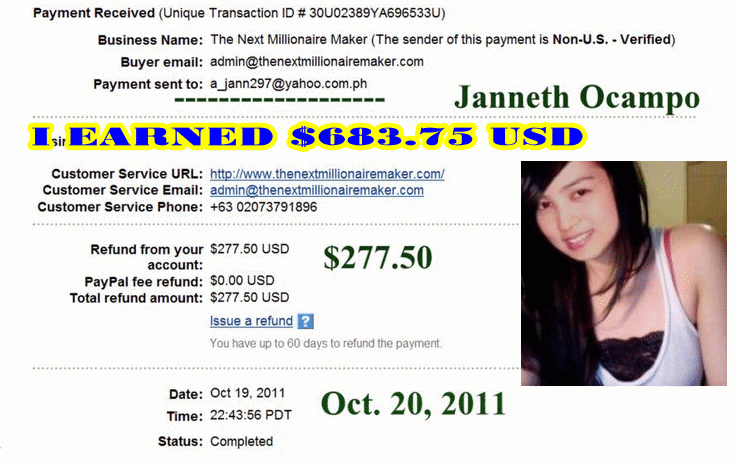
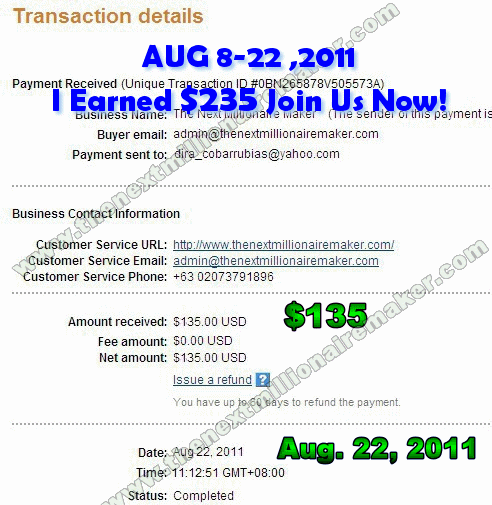
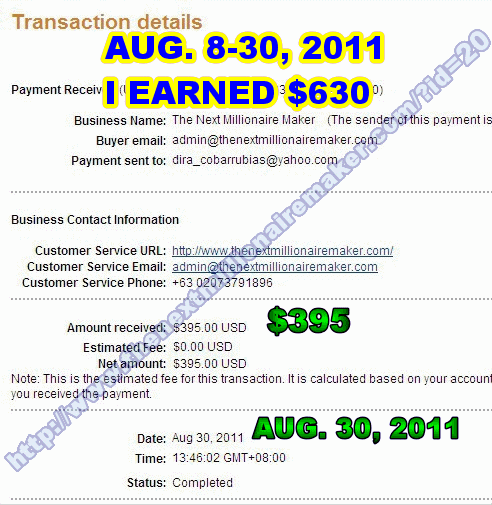
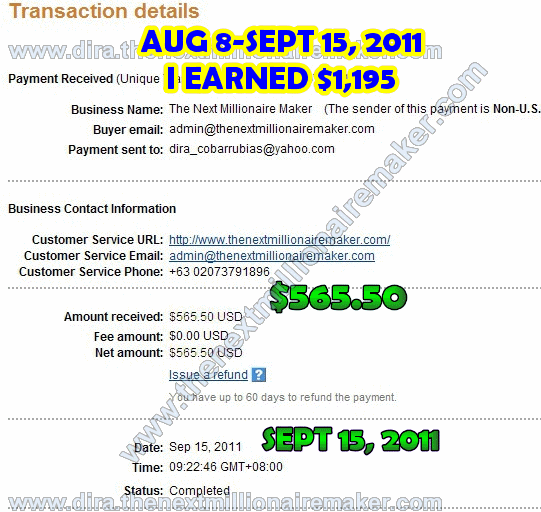
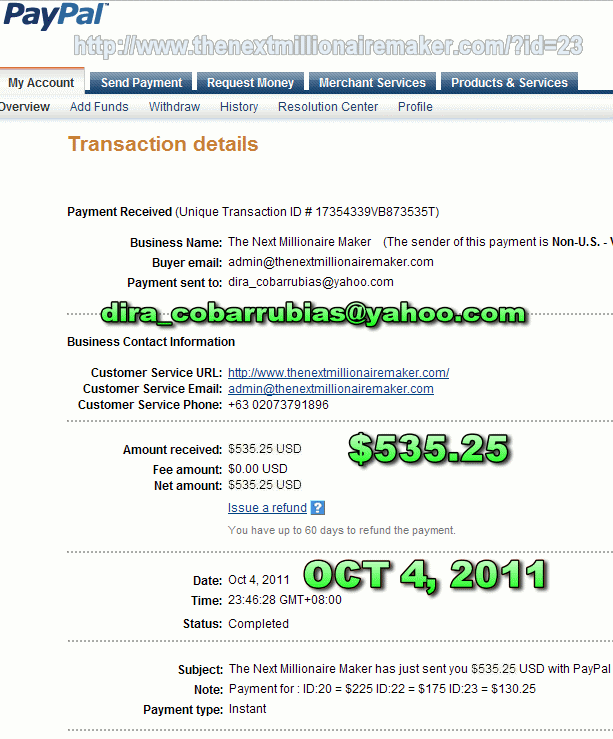
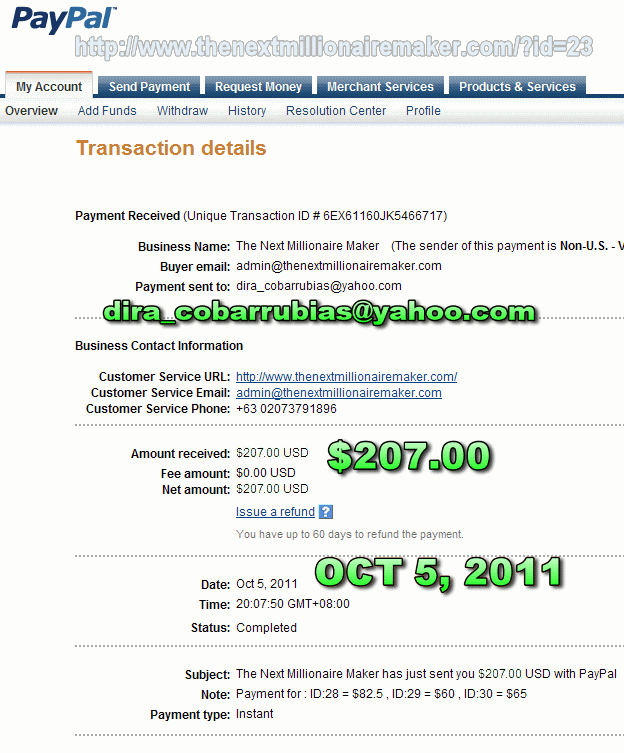
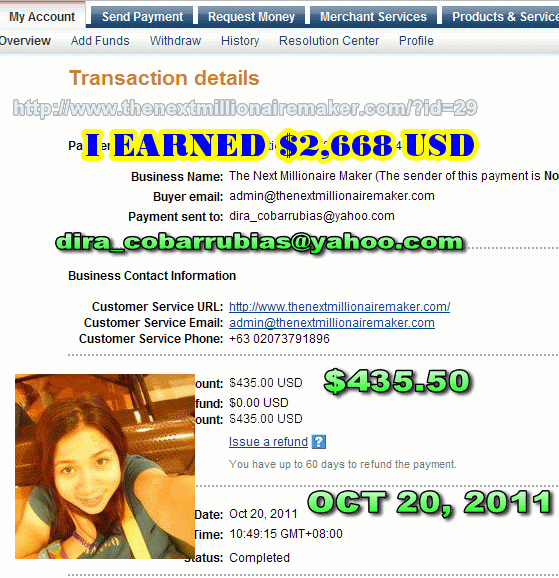
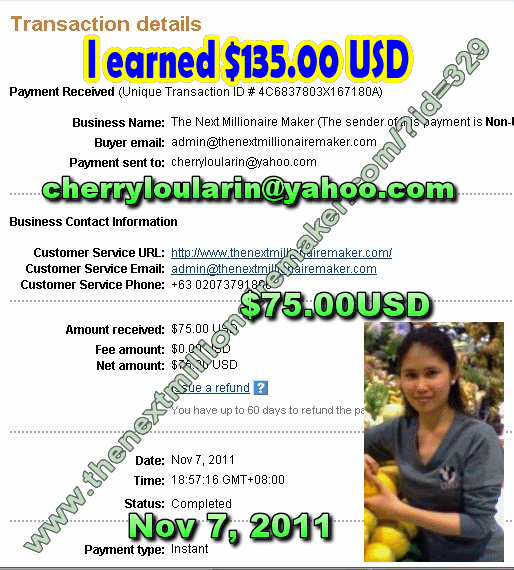
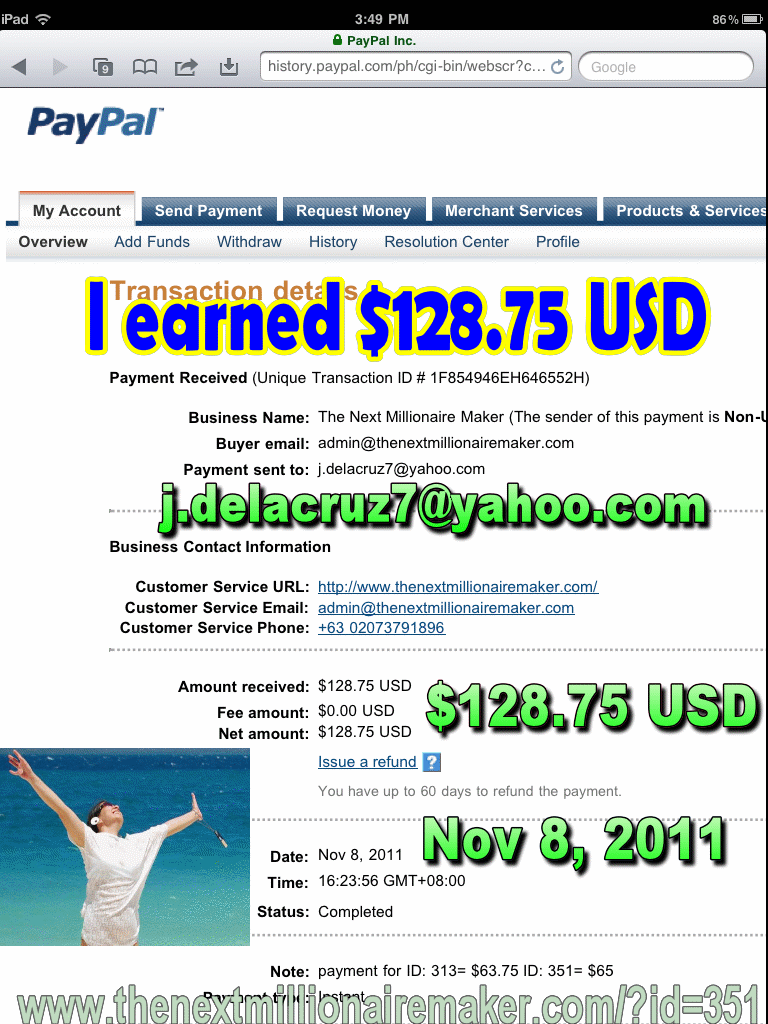
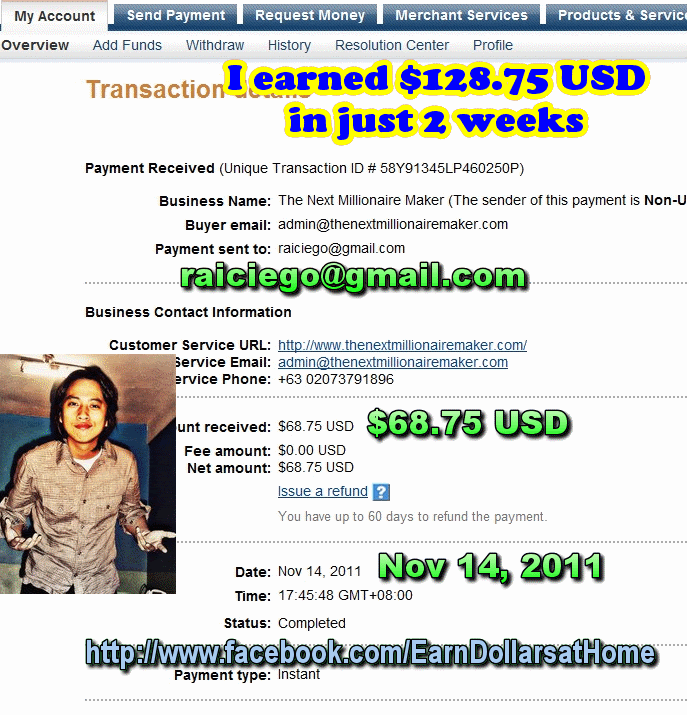
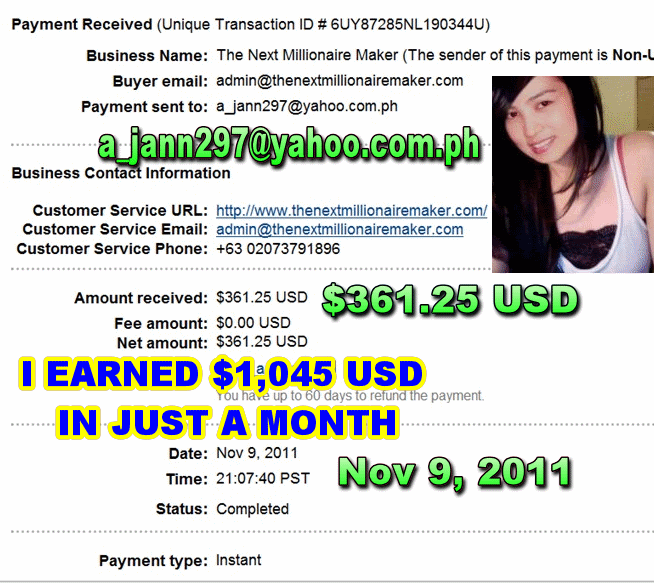
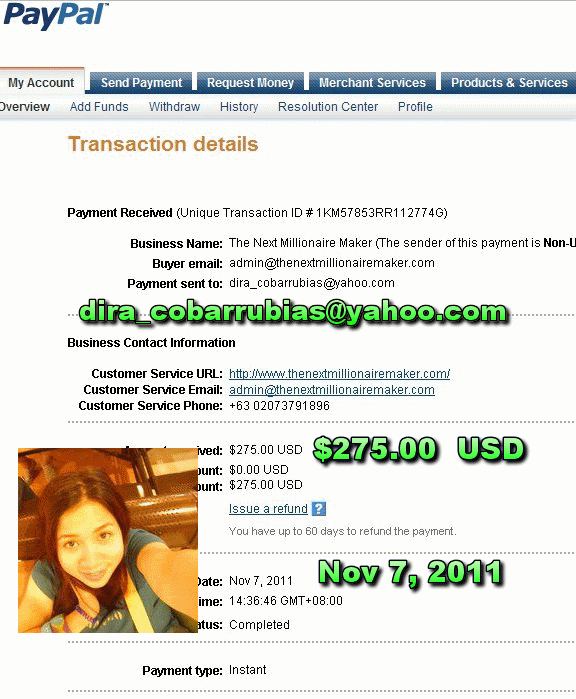
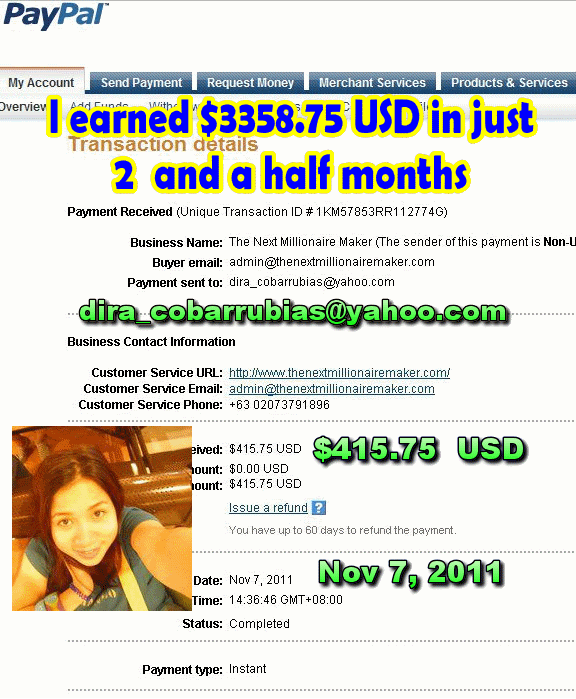
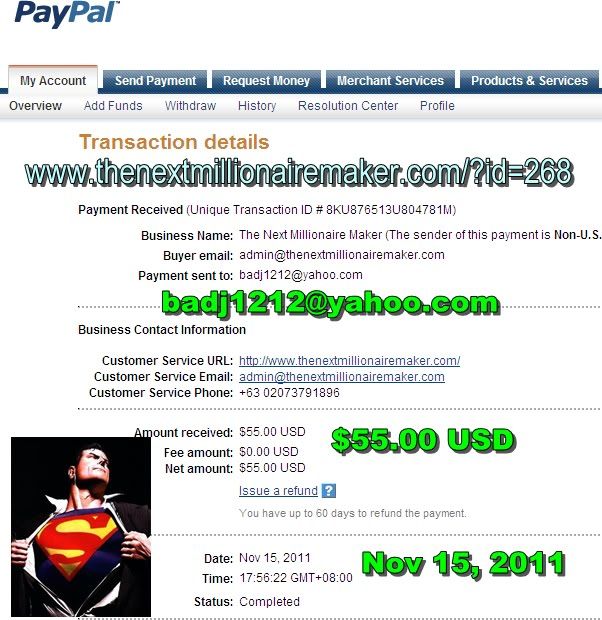
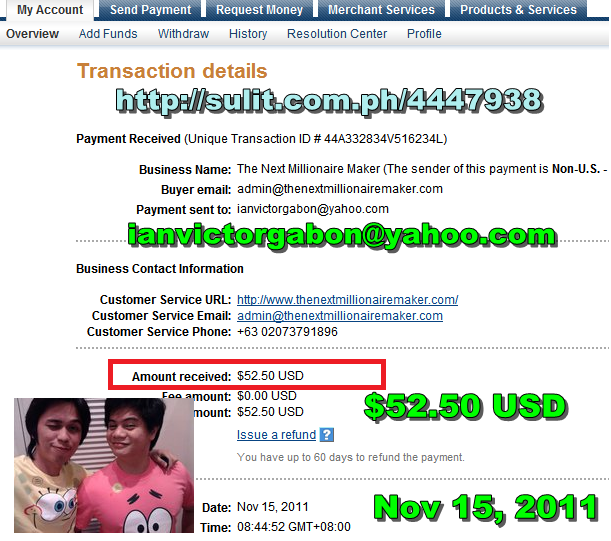
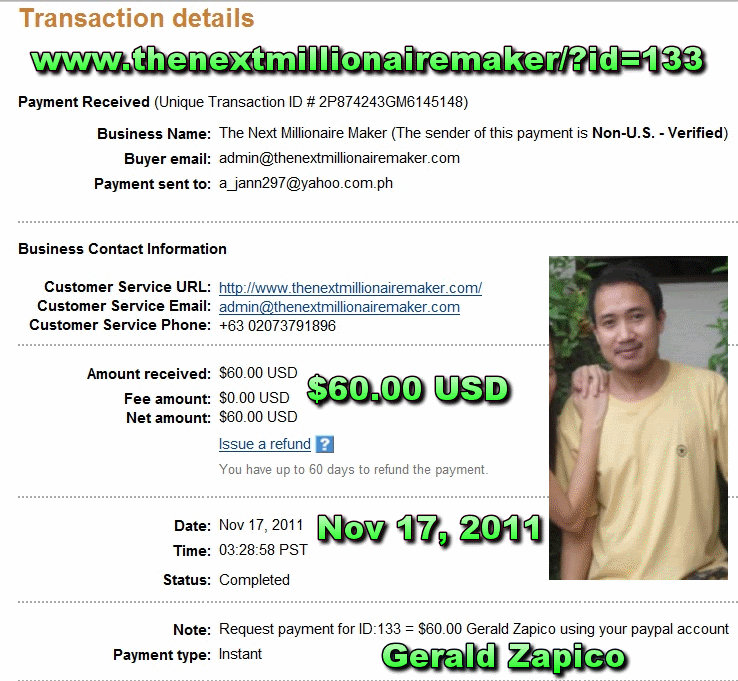
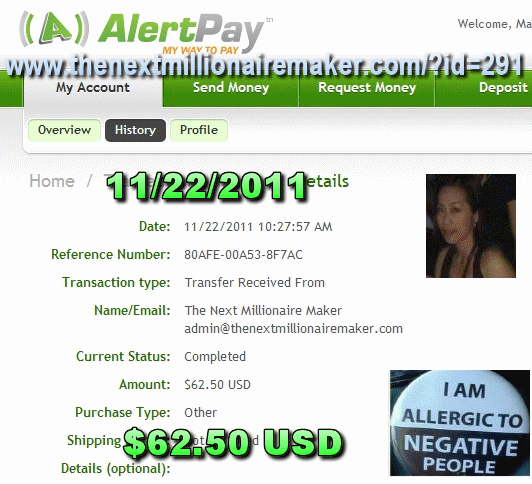
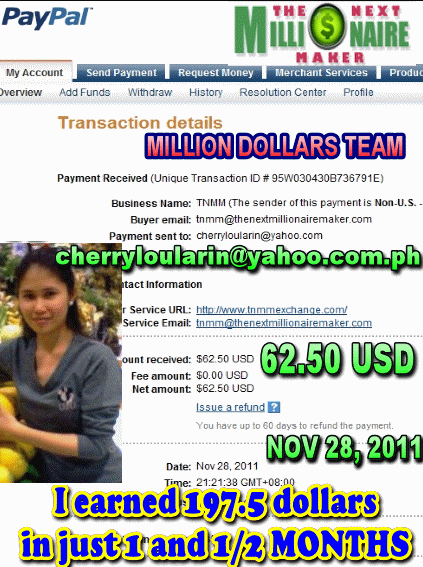
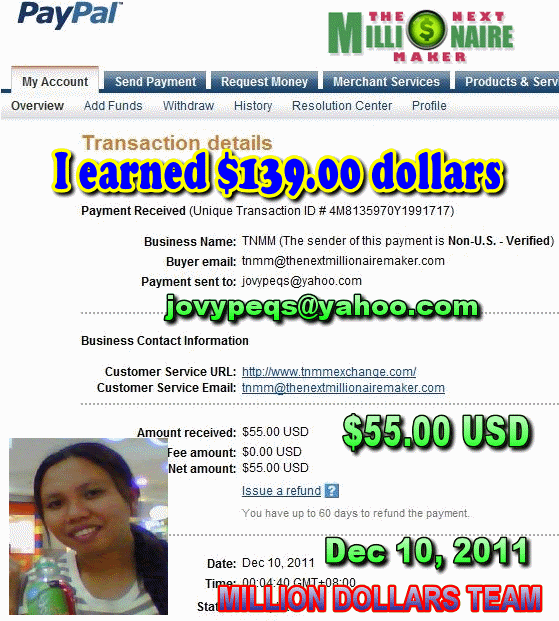
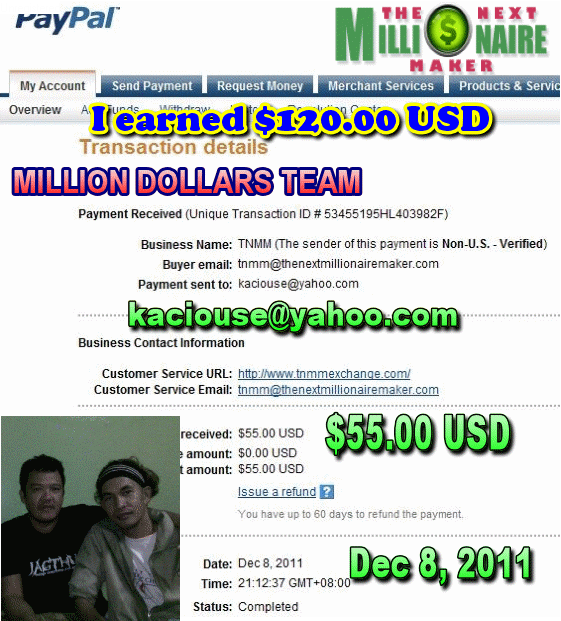
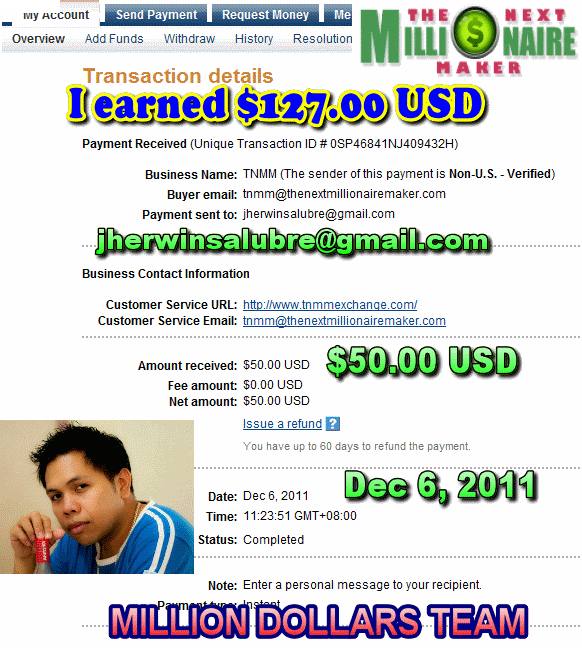
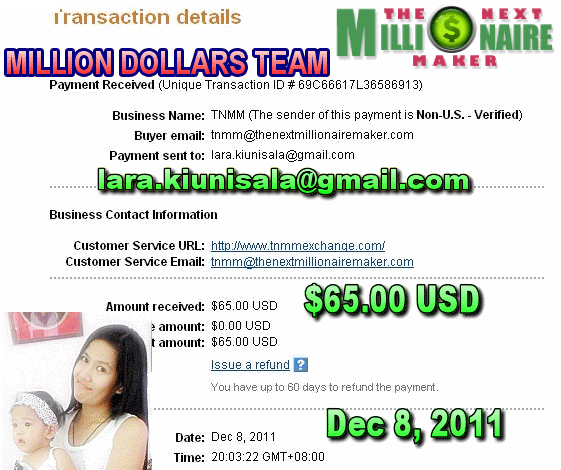
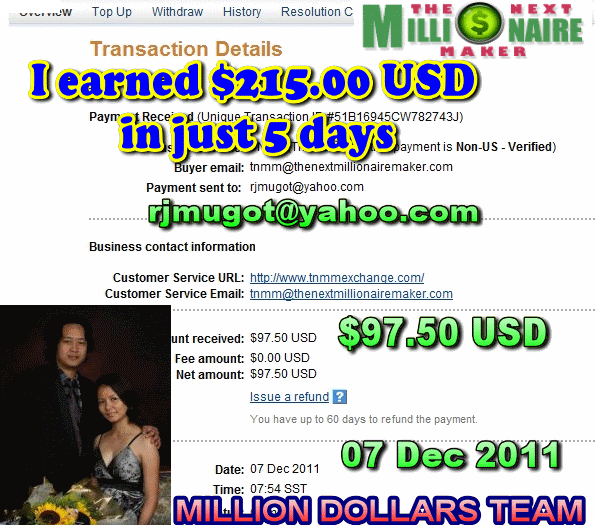
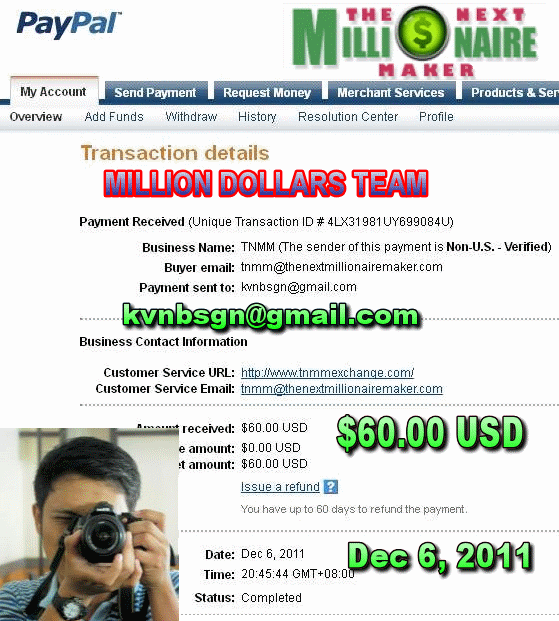
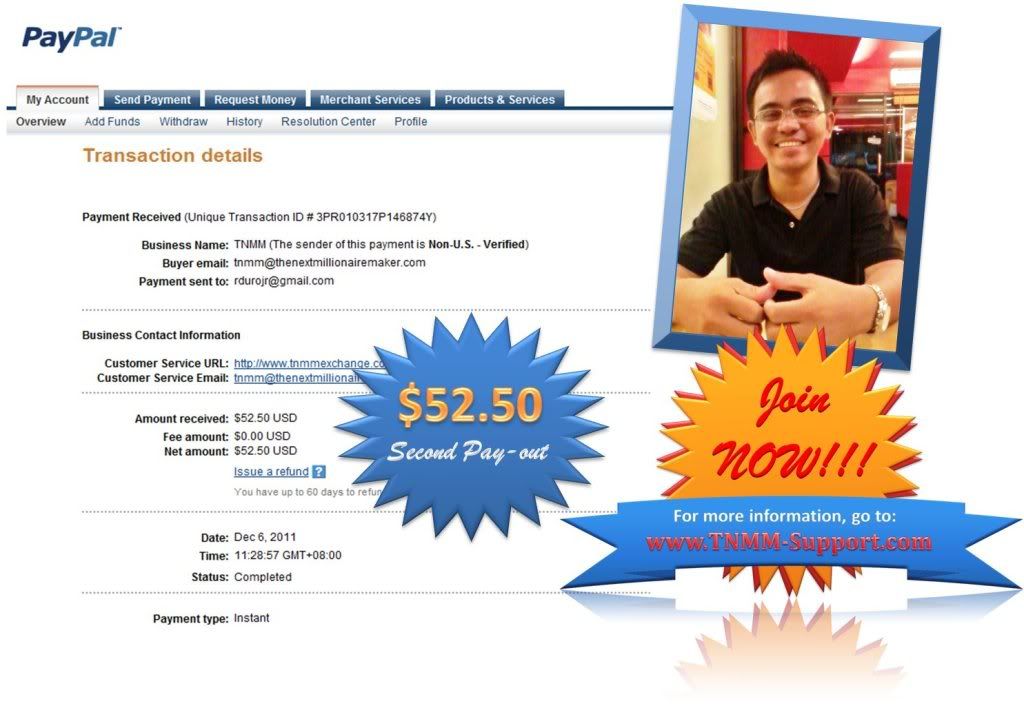
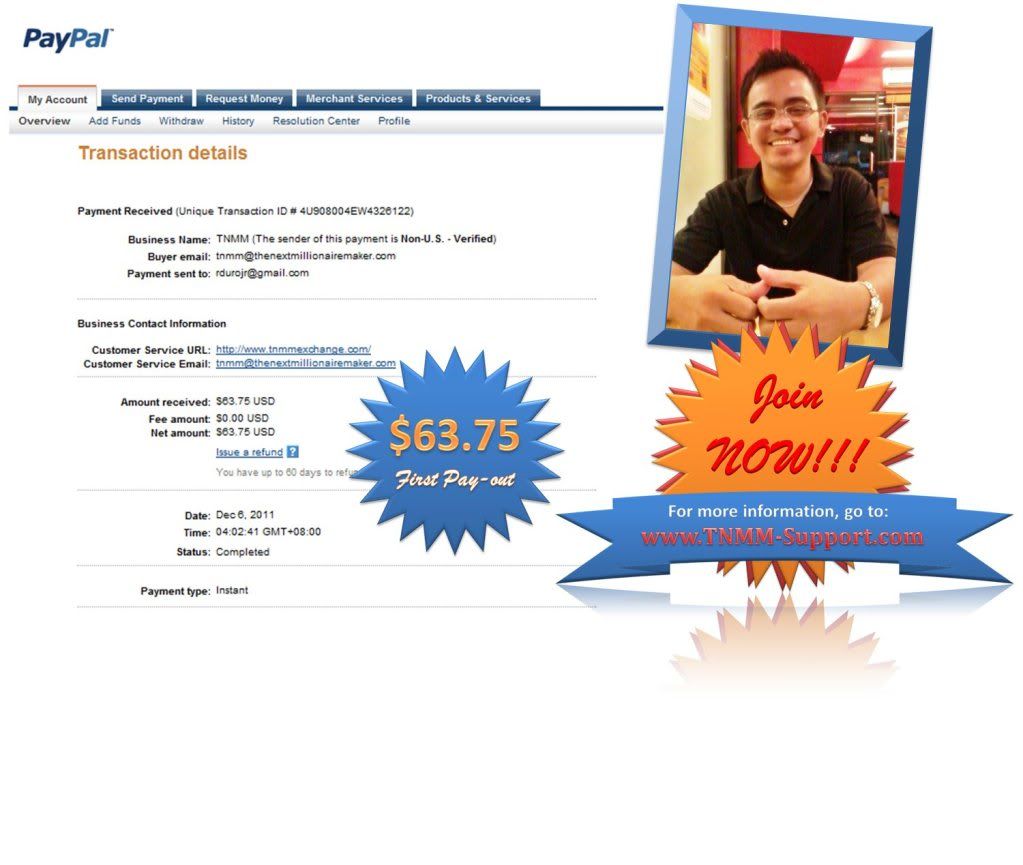
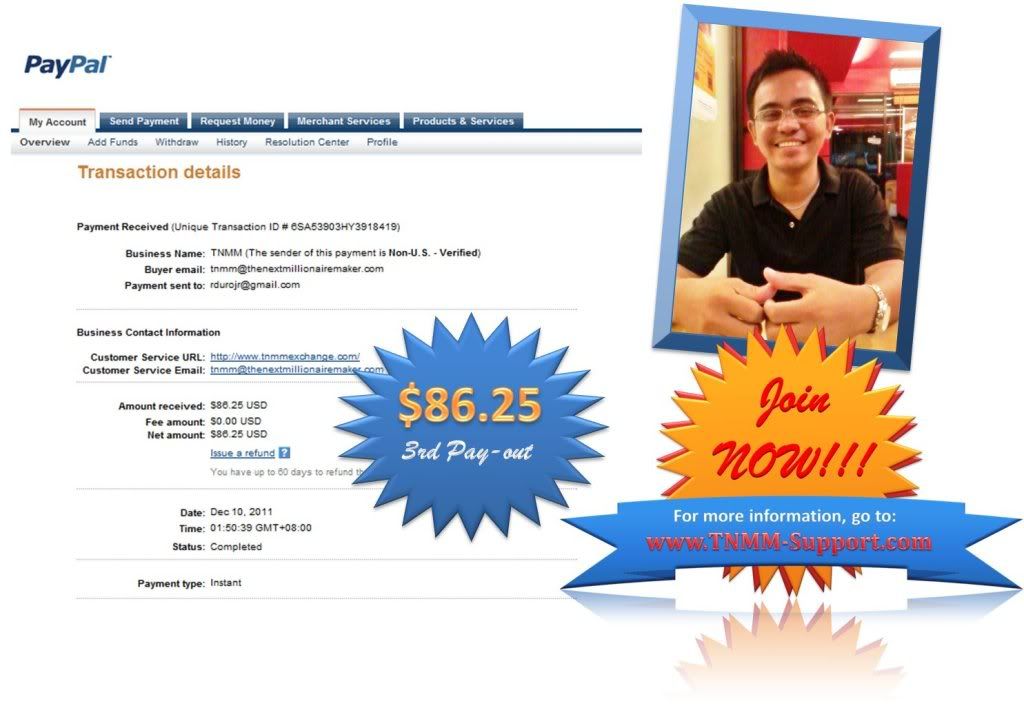
PROOFS OF PAYMENTS


THESE ARE MY PROOFS 


LATEST PAYOUT IN THE TEAM :


KAYA JOIN NA KYO SA TEAM NAMIN SIGURADONG KIKITA KYO!!!


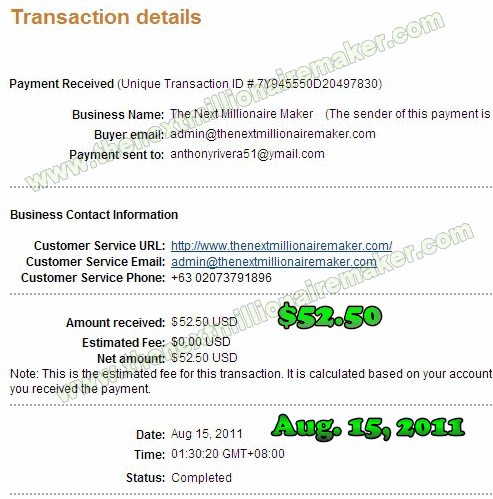
NEWEST PROOFS NG TEAM


\


KAYA MANIWALA NA HINDI TO SCAM BECAUSE MARAMI NA KAMI KUMIKTA
STOP DOUBTING AND JOIN US NOW 

Linggo, Nobyembre 27, 2011

Creating Your Own --- (PERSONALIZED AD)


WHAT YOU NEED

1. You need an email (If you dont have one click here)
2. Photobucket account (If you dont have one click here)
3. Sulit Account of course (If you dont have one click here)
4. Promo ads at your members area at TNMM (If you are not familiar with this click here)
5. Tinyurl for short and catchy url (if your not familiar how to use this click here)
__________________________________________________________________________________


1. Go to sulit account and log in. www.sulit.com.ph


2. Then click Post Free Ad


3. Then enter this details earn online opportunity dollars home based this are being used as tags by sulit then click next.


4.  Do the following:

      1. Click change
      2. Enter the title you want and click change title
      3. Click on Internet and Online Programs RECOMMENDED


5.  Click upload an image 


UPLOAD IMAGE SHOWING DOLLARS LIKE THESE


JUST GOOGLE DOLLARS OR LOTS OF DOLLARS AND PICK AN IMAGE.

6.  Then enter price which is 1100 or 25 dollars and choose yes on Is this an Online Program?


7.  Scroll down to the  editor 

If this how it looks like click the icon on the red box.


this is how it will looks like after clicking the icon, an extended toolbar. This is what you'll be needing.


8. To change the font color click the red box then pick color


9. To highlight the text with different colors


10. To change the font and the size


11. To insert an image or picture
Note: You have to have a photobucket account to do this. (If you dont have one --click here)

12. Click the insert a photo icon 


13. A window will appear like this

14. Log in to your Photobucket account click album pick the picture you want and click on the Direct link and the url will automatically be copied.


15. Then go back to sulit and paste the url on the window (green box- Image url) then
type a description and title so that when someone google an image like dollars or earn dollars your image will appear thus this will link them to your ads.

16. If you want to change the size of the photo or to put a border on the photo click


17. Click Insert and the Image is inserted. If you want to center click center icon.


18. How do you put your banner with your own affiliate link 

a. First you need to login to your account at TNMM --click here then click promo ads


Then select the banner you want and copy the code.


b. Second go to sulit click on the embed icon a window will appear 


paste the code there.

c. click insert and your and the banner is inserted when someone clicks it and join it will be under you.


17. How to insert a clickable word or words like this (--click here) at sulit.?
all you need to do is highlight the word and click on the insert link icon.

a window will appear then put the link on the LINK URL (Red Box) if you want to open in a new window click TARGET (Green Box) select Open Link in New Window.

click insert then hover the mouse on the word and you will see that its now clickable.

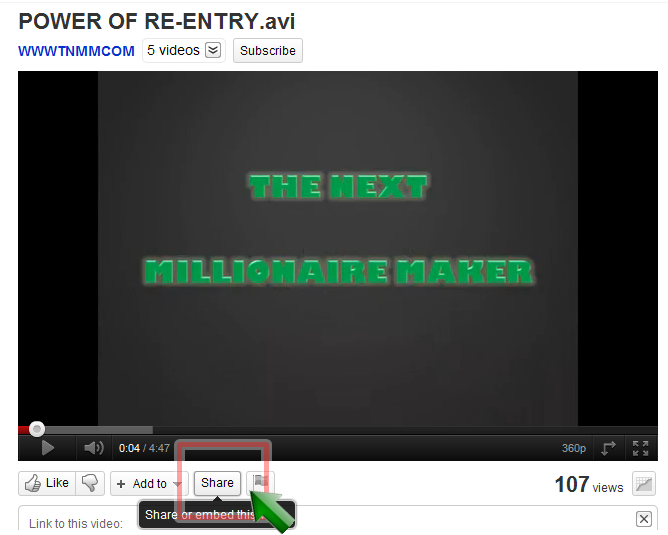
18. How to embed a YouTube video on your sulit ads.

a. First, go to you tube and select the video you want to embed then click on SHARE


then scroll down click on embed click on the size of video you want and then copy the code.


b. Second , go to sulit click embed and copy the code on the window that will appear then click and you're done.


19. When your finish editing your ads click Submit and Publish


20. Click  View your posted ad


21.  DONE.


Related Posts Plugin for WordPress, Blogger...